Fitness • Fitness Well
Using a Gym Member App: Workouts, Planning, and Tracking
A practical guide to workout libraries, programs, class bookings, meal ideas, tracking, and privacy in gym apps.
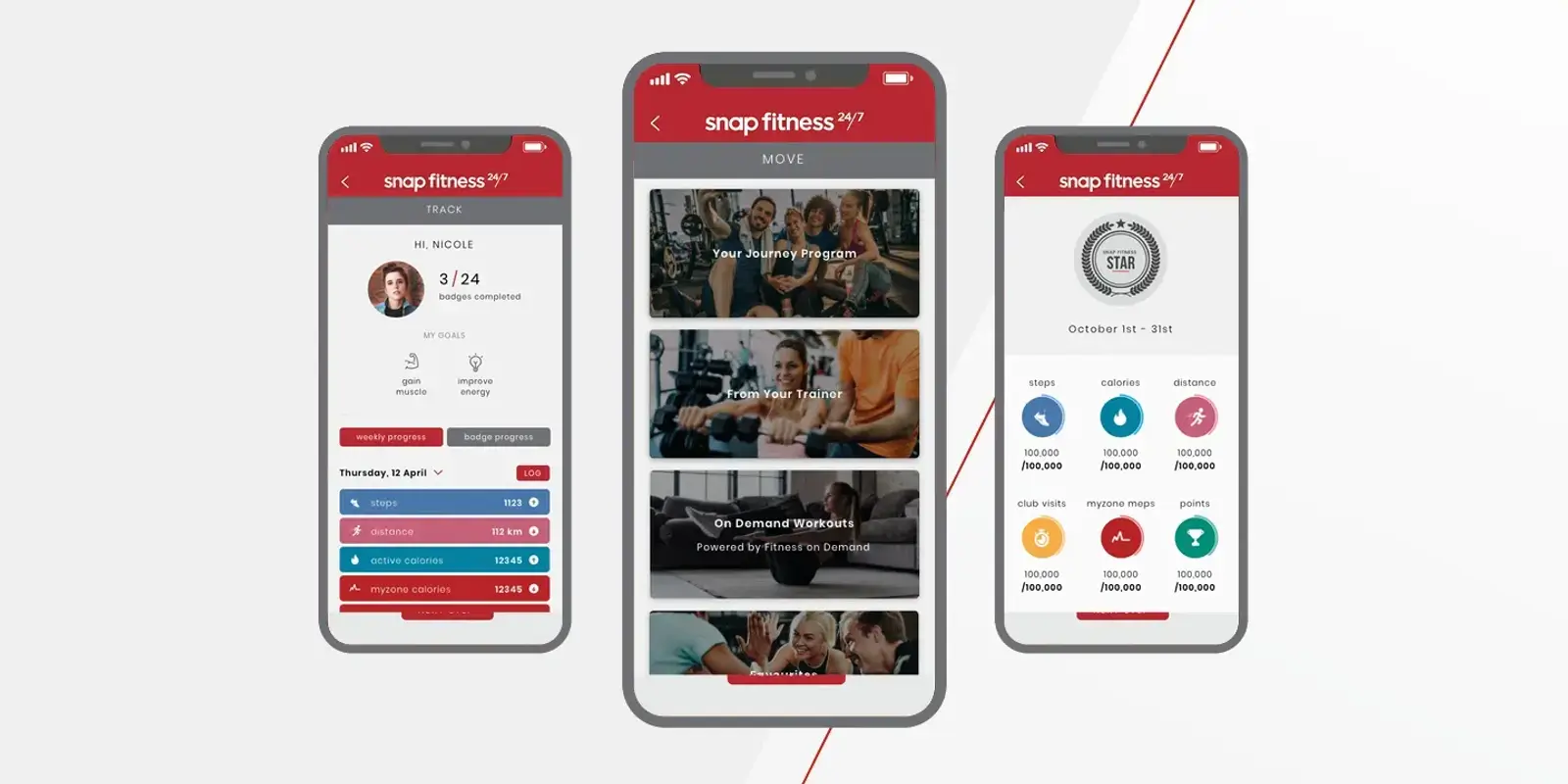
A gym membership app may bring workout videos, class schedules, progress logs, recipes, or mindfulness content into one place. Features vary by provider and can change, so check the current app and your membership terms before relying on a specific tool. An app can organize information, but it cannot guarantee results or replace qualified medical advice.
The most useful approach is to choose one feature that solves a current problem. You might save a short routine, reserve a class, or set a reminder for a walk. The sections below explain how to use common feature types without turning the app into another source of pressure.
On-demand workouts
A workout library can help when you do not know what to do or cannot attend a scheduled class. Before pressing play, check the equipment, duration, intensity, and skill level. Watch the opening instructions and look for modifications. If a movement is unfamiliar, pause and practice it slowly or choose another session.
Choose a routine that fits your space and available equipment. A bodyweight session may be easier to do at home than a workout requiring several machines. Captions, audio controls, playback speed, and screen size can affect whether a video works for you. If you need a lower-impact or seated option, search for those terms or ask the provider whether such content exists.
Do not assume that a workout is appropriate just because it appears in a beginner category. Stop if you feel sharp pain, chest pressure, faintness, sudden weakness, or severe shortness of breath. If you have an injury or chronic condition, ask a clinician which exercises are suitable.
Programs and schedules
A program can organize sessions over time. Read what it asks you to do each week, what equipment it uses, and how it handles rest days. If you are returning after a break, start with a manageable level rather than choosing the most demanding plan. You can use the calendar to schedule activity, but move or skip sessions when your circumstances change.
The U.S. Department of Health and Human Services activity planner lets people select activities and set minutes and days in a weekly plan.[1] A gym app may offer similar planning features, but a calendar or paper list can work just as well. Use whatever makes the next step clear.
Class booking
If the app includes class booking, confirm the location, time, cancellation rules, and whether the class is available with your membership. Schedules and access can differ by gym. Read the class description and ask the instructor about modifications if you have a concern. A booking confirmation does not mean you must attend if you become ill or feel unsafe to exercise.
Set a reminder only if it helps. If notifications become distracting, adjust them. You may also keep class details in your phone calendar rather than allowing every app alert.
Mindfulness and wellbeing content
Some member apps include breathing exercises, meditations, or short reflections. These can be optional ways to pause or try a relaxing activity. Choose content that feels comfortable and stop if it makes you more distressed. You do not need to complete a streak or follow a daily sequence.
Digital wellbeing content is not therapy and cannot diagnose a mental health condition. If you are experiencing severe or persistent distress, contact a healthcare provider or mental health professional. If you are in crisis, use local emergency or crisis support rather than an app exercise.
Recipes and meal planning
A recipe library can help you find meal ideas or plan a grocery list. Check ingredients, allergies, serving amounts, and food storage instructions. A generic meal plan may not fit your health needs, budget, culture, or access to cooking equipment. If you have a medical nutrition plan, follow advice from a registered dietitian or healthcare provider rather than an app recommendation.
Try saving one recipe you already like and adding ingredients to a list. You do not need to overhaul your diet to use a meal-planning feature. If a recipe requires expensive specialty products or too much prep, choose another one.
Progress tracking and wearables
An app may let you record workouts, steps, distance, or heart-rate data. These numbers are estimates and can vary by device and setup. Use them only if they help you make decisions. You do not need to track every calorie or compare your dashboard with someone else’s.
If tracking makes you anxious, competitive, or likely to exercise through pain, turn it off. You can record a simple note such as “walked after lunch” or “used the resistance band routine.” Progress can be about consistency, comfort, or learning a movement—not only a metric.
Check privacy and permissions
Before connecting a wearable or sharing health information, review the app’s privacy policy and permission settings. The Office of the National Coordinator for Health Information Technology recommends checking what health information an app collects, how it uses or shares the data, and what controls you have.[2] Allow only the access you want to provide. You can decline location, contacts, or other permissions if they are not needed for a feature you use.
Do not assume a consumer fitness app is covered by the same rules as a healthcare provider. Keep account credentials private and review connected services from time to time. If you stop using the app, look for options to disconnect devices, delete records, or close the account.
Build a simple app routine
Choose one feature for one week. For example, save a short workout, schedule one class, or set a reminder for a walk. Try it at a time that fits your schedule. At the end of the week, ask whether it made the activity easier to start, whether the instructions were clear, and whether the notifications or data tracking were useful.
Keep what helps and ignore the rest. A gym app can support planning and access to content, but your routine belongs to you. Use the app as a tool, adjust it when your needs change, and choose another approach when a feature does not fit.
Set up one useful week
A simple setup can be enough. On Sunday, open the calendar and choose one or two activity times. Save a short workout that matches your available equipment and add one class if you want a group session. Keep at least one flexible day for rest or an activity you choose later. You do not need to complete a full program or fill every calendar square.
If the app allows favorite lists, save routines you have tried and understood. Add a note about the equipment and any modification that helped. This can make it easier to repeat a familiar session without searching through a large library. If you forget a workout, move it to another day only if that still fits your week; otherwise, leave it and continue with the next planned activity.
Check whether a feature is current
Product pages and app descriptions can be outdated. Check the current version notes, membership terms, and class schedule inside the app or with the gym. Confirm that a feature is available in your location and plan before relying on it. If a video link, booking page, or wearable connection does not work, contact the provider or use another planning method. You can still exercise without every feature functioning.
Sources and further reading
- Plan Your Week — Move Your Way Activity PlannerU.S. Department of Health and Human Services, Office of Disease Prevention and Health Promotion · Accessed 2026-11-03
- Use It: What Should I Look for in a Health App?Office of the National Coordinator for Health Information Technology · Accessed 2026-11-03